
The creator journal
Burning Bridges AI Blog
Ideas into motion.
Sharper photos. Stronger prompts. Standout party videos. Explore hands-on guides, creative ideas, and our pick of the best generators.

Best Burning Bridges AI Video Generators: 5 Options
Compare the best Burning Bridges AI video generators by workflow, photo input and creative control. Find a practical starting point for your party clip.
Read the guideExplore the guides
Find your next idea. Make it your own.
Burning Bridges Trend Explained: Song, Meme and AI Videos
Find the song behind the Burning Bridges meme, understand the party-video format, and see how a photo becomes a new AI scene with generated audio.
Read article
Burning Bridges AI vs Alternatives: Choose Your Workflow
Compare Burning Bridges AI with EaseMate, Media.io, PicLumen, Renoise and BurningBridgesAI.com by inputs, motion, audio and the choices each workflow offers.
Read article7 Burning Bridges AI Video Ideas for Your Next Post
Explore seven Burning Bridges AI video ideas for birthdays, outfit reveals and party posts. Choose a clear portrait, then add your caption after download.
Read articleBurning Bridges AI Video for TikTok and Instagram
Make a Burning Bridges AI video for TikTok and Instagram. Plan a vertical reveal, leave room for captions and check picture and sound before posting.
Read article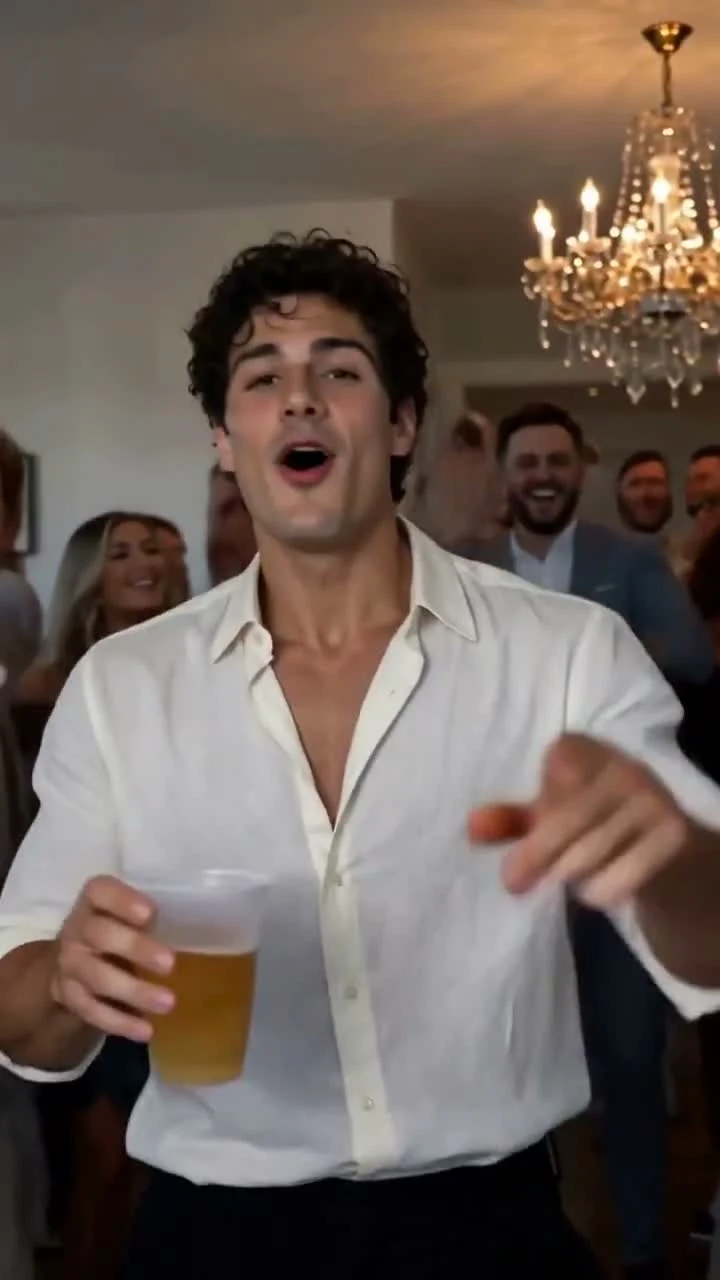
Burning Bridges AI Video Face Drift: Photo and Review Tips
Reduce Burning Bridges AI video face drift with a clear portrait. Check identity during turns, expressions and close-ups before choosing a clip to share.
Read article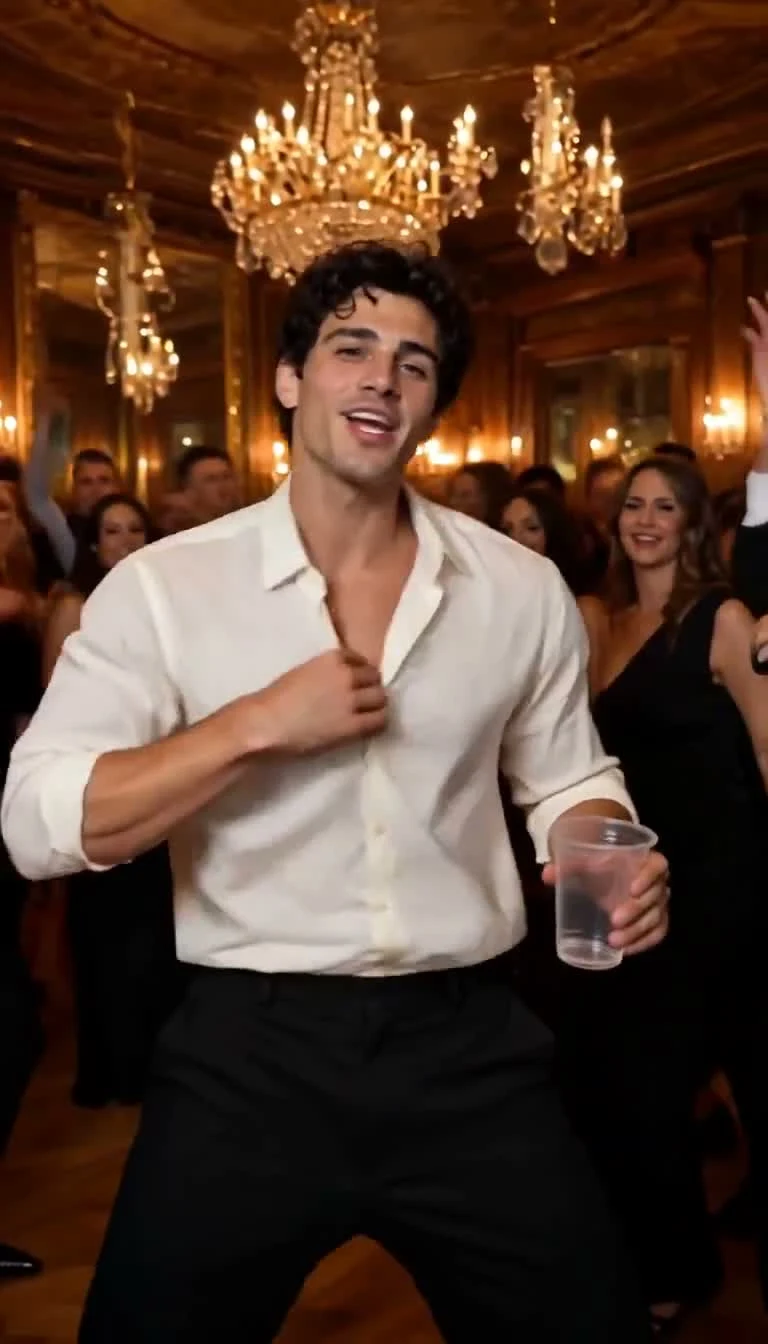
Burning Bridges AI Video Resolution: Native 768P Explained
Understand Burning Bridges AI video resolution: native 768P, a 15-second vertical clip, and checks for detail, compression and social-media exports.
Read articleBurning Bridges AI Video Prompt Guide: Plan Your Scene
Use this Burning Bridges AI video prompt guide to understand identity, scene, motion and sound, and how a prepared template differs from custom prompt tools.
Read articleBurning Bridges AI Video CapCut Alternative: Workflow Guide
Compare a Burning Bridges AI video CapCut alternative with timeline editing. Decide when to generate a party scene and when to edit an existing clip.
Read article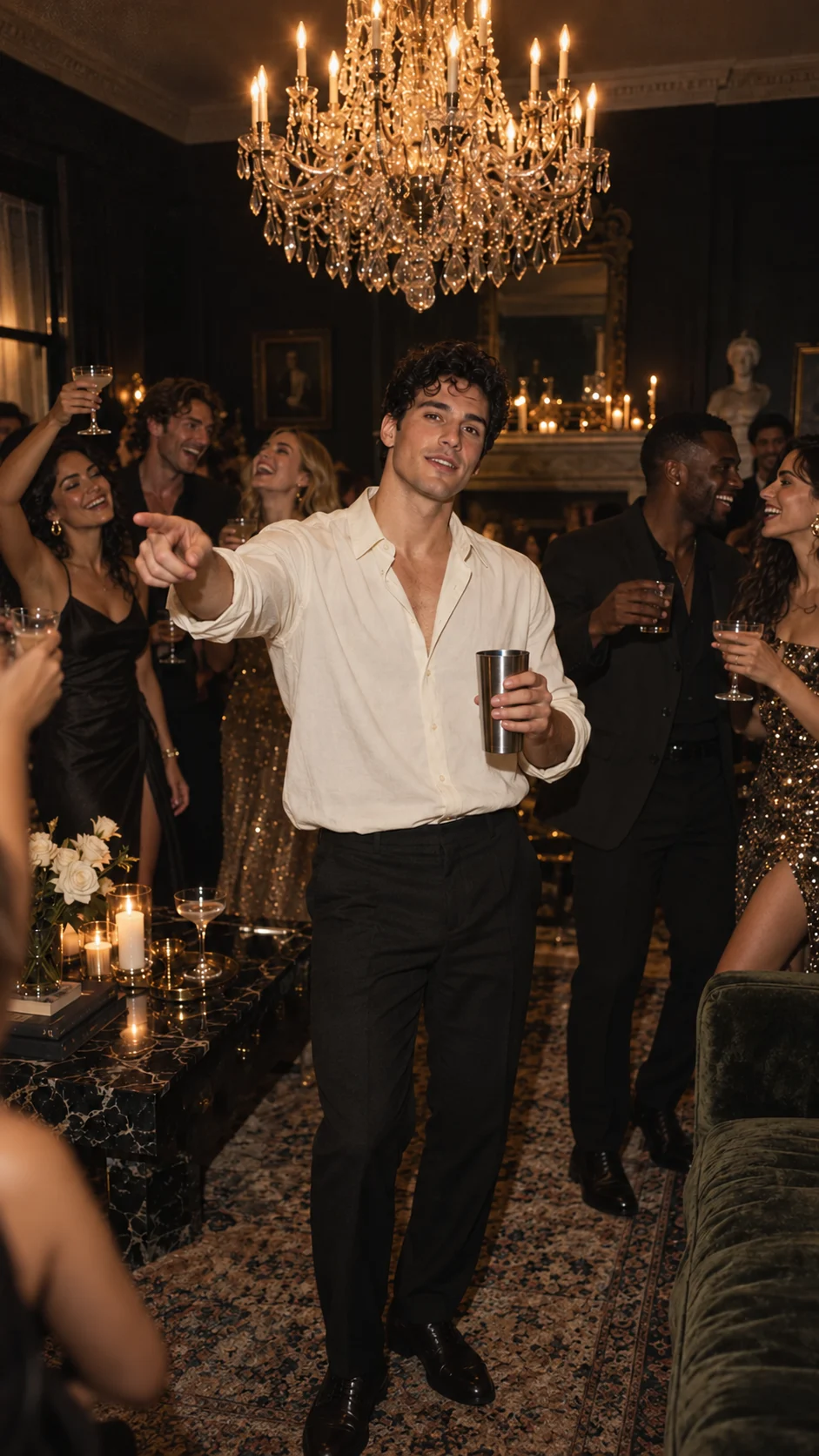
Best AI Video Generator 2026: A Practical Creator Guide
Choose the best AI video generator 2026 for your workflow. Compare photo animation, party templates and editing tools using clear criteria and sources.
Read article
How to Make a Burning Bridges AI Video from One Photo
Learn how to make a Burning Bridges AI video: choose a portrait, prepare your account, generate a party clip, review picture and sound, then download.
Read article
Burning Bridges AI Video with Your Pet: Photo Guide
Explore a Burning Bridges AI video with your pet: photo ideas, input limits and editing options. The live studio takes adult portraits, not pet-only input.
Read articleBurning Bridges Drake AI Video: The Party Trend Explained
Understand the Burning Bridges Drake AI video trend, its party-scene look and creative limits. Use your own portrait without implying an endorsement.
Read articleBurning Bridges AI Video Free: Previews and Real Costs
Looking for a Burning Bridges AI video free? See what you can preview, what requires credits, and how one-time packs and failed-task returns work.
Read articleBurning Bridges AI Video Photo Guide: Choose Your Portrait
Use this Burning Bridges AI video photo guide to choose a clear adult portrait, plan a useful crop, avoid filters and check identity in your result.
Read articleStart with the Burning Bridges AI blog guide that fits your task
The Burning Bridges AI blog follows the decisions a creator makes before and after a party video. If this is your first visit, start with the step-by-step guide and watch the public sample. That combination shows the actual workflow and gives you a clear picture of the finished format. Then open the photo guide to choose an adult portrait with a readable face and enough room around the shoulders. You do not need to read every article before trying the tool. Choose the guide that answers the decision in front of you, and come back to the others when they become relevant.
Creative ideas and practical output checks
The ideas article helps you plan a birthday reveal, outfit entrance or group-chat post around the prepared scene. The prompt guide explains how identity, movement and setting relate, while making clear which controls the current studio prepares for you. After a result is ready, use the face-drift and resolution guides to review it. Look at the full clip in motion rather than judging only its cover frame. An attractive opening can still contain a weak turn or an awkward ending. Review sound with the picture, and keep the original download before adding a caption or making another export.
Comparisons, cost and supported inputs
The generator comparisons are organized around workflow fit: making a new scene from a portrait, animating a photograph, or editing footage that already exists. They are editorial comparisons, not controlled performance benchmarks. The free-video guide distinguishes browsing and sample viewing from a paid generation. The pet article explains creative ideas alongside the current adult-portrait requirement. These distinctions help you avoid choosing a tool for a feature that a headline merely suggests. Check the live studio and pricing page for available controls and pack details before purchase. Product pages can change after an article’s review date.
From a finished file to a clear social post
The TikTok and Instagram guide covers framing, captions and presentation after generation. An AI party clip should be easy to understand as a fictional creative result. Make your own caption clear, avoid implying a real celebrity endorsement, and check the rights and conditions for any materials you add. The Burning Bridges AI blog connects each guide to a practical next step, whether that is selecting a better photo, reviewing an existing task or choosing an editor. For an account-specific problem, use the contact page with the task or order reference; an article cannot inspect a private account or resolve a billing record.
Read the guide, then check the live controls
Articles explain a workflow and its tradeoffs; the live studio shows the action you can take now. Before paying, compare your required input, duration and creative controls with that screen. If an article discusses a possible editing approach, it does not mean the generator has gained that feature. Keep preparation, generation and editing as distinct steps in your plan.