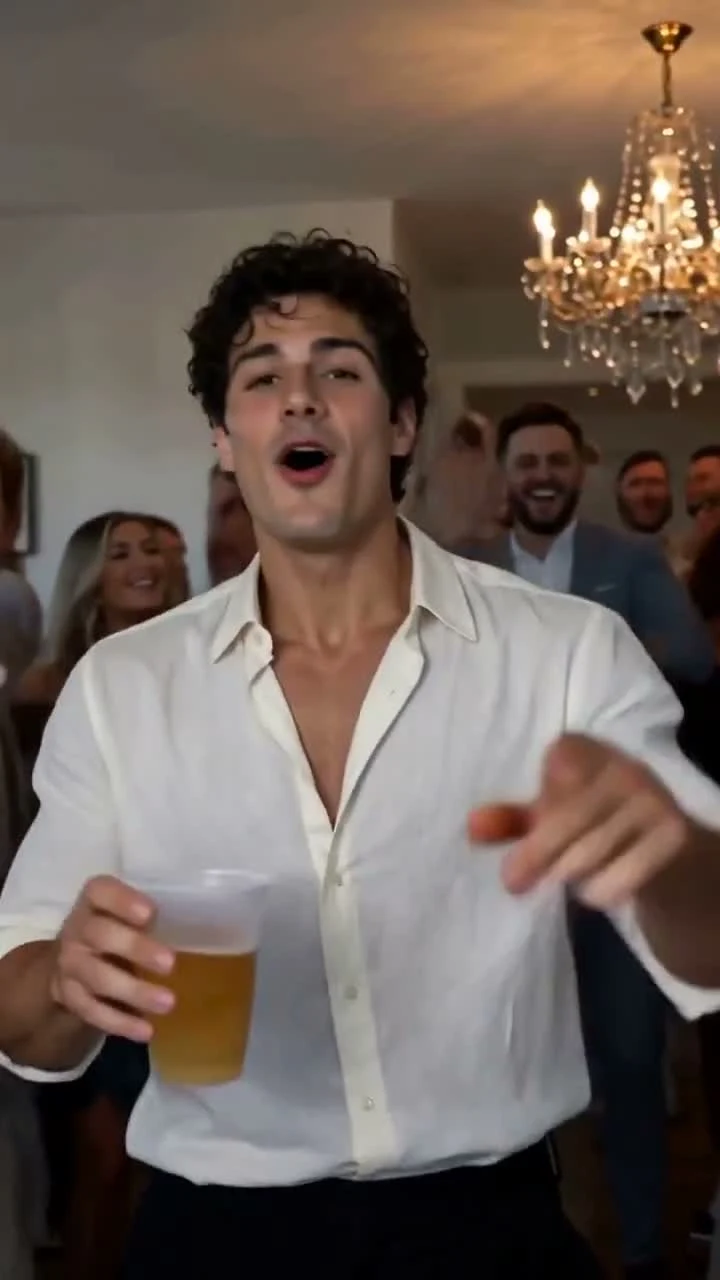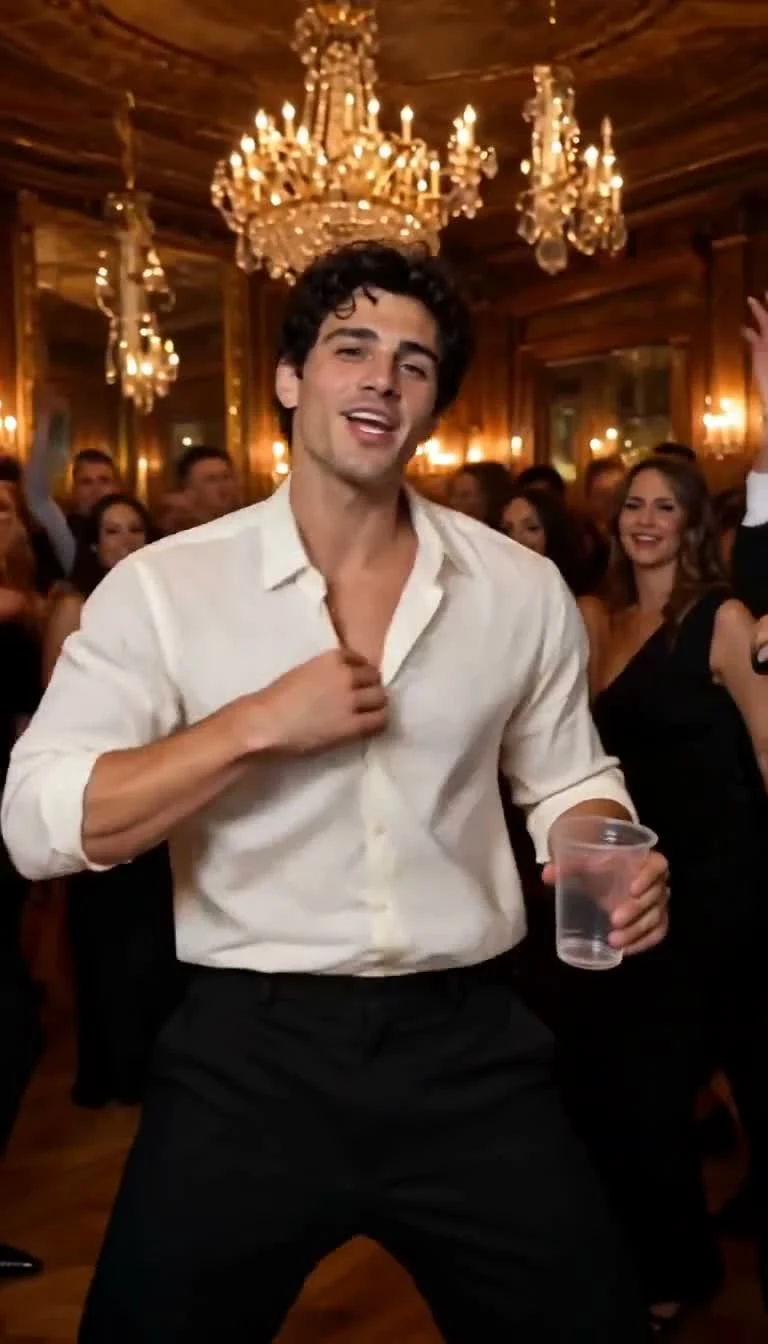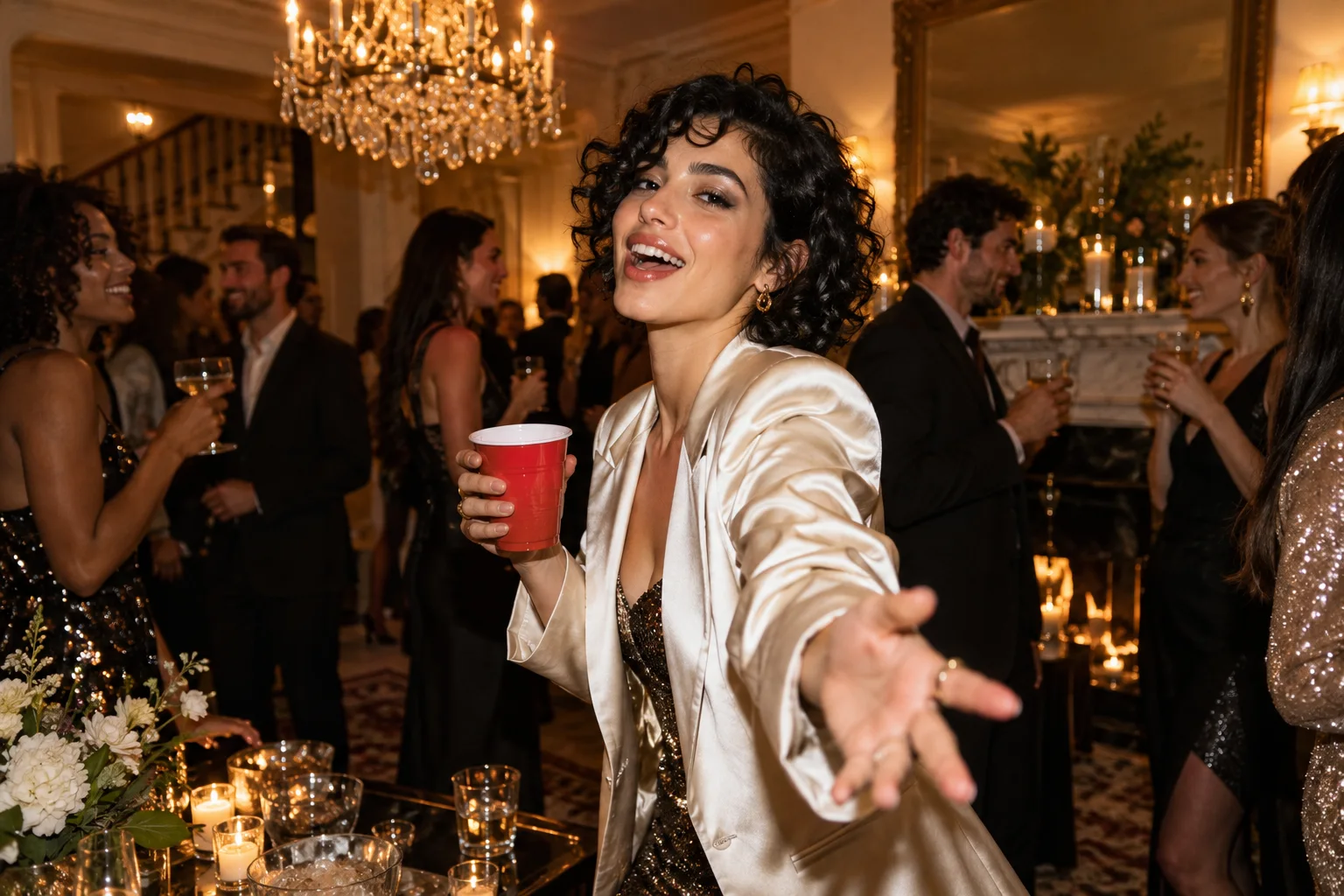
A great Burning Bridges AI video starts with a clear creative angle. The party supplies the energy. Your portrait and the way you introduce the clip give it a reason to exist. A birthday reveal, a sharp outfit entrance or a perfectly timed group-chat joke can turn the same broad trend into something distinctly yours.
Burning Bridges AI makes that starting point refreshingly direct: one adult portrait and a prepared 15-second party performance with native picture and sound. The current studio supplies the prompt, storyboard and fixed audio reference. Focus on the creative decision that matters most: who is arriving, and why should the audience care? These seven ideas use photo selection and editing after generation; the studio itself uses one fixed scene.
Burning Bridges AI video ideas: the birthday entrance
Choose a crisp portrait in an outfit that feels like a celebration. A strong silhouette and a clear expression give your reveal an immediate focal point. Introduce the clip with a short caption such as “The birthday entrance has been approved.”
After downloading, place the birthday message before the video or over a frame with clear space. Keep the face unobstructed. The strongest version puts the person first and lets the party become the punchline.
2. The ordinary photo, extraordinary evening
Start with a straightforward portrait: natural light, an uncomplicated background and your everyday expression. In an external editor, show that original image briefly before cutting into the generated party clip.
The contrast creates the story. “The photo I uploaded” followed by “The evening it imagined” explains the transformation without a long introduction. Label the result as AI-generated so the reveal stays playful and easy to understand.
3. The outfit deserves its own entrance
Use a waist-up portrait that clearly shows the jacket, top or distinctive color you want represented. Choose one visual anchor, such as a bright blazer, instead of relying on tiny lettering or intricate jewelry.
Give the post a confident line: “This outfit was never staying home.” Inspect the generated clothes before sharing, especially during turns. Your aim is a strong visual identity across the clip, with the outfit supporting the face rather than competing with it.
4. The reunion invitation
Make an individual host portrait the center of your invitation. The generated video supplies a lively opening; your own title card supplies the date, place and practical details afterward.
Do not squeeze an entire invitation over a moving face. Give the party moment room to breathe, then present the information on a clean end card. This creates a useful post people can enjoy and act on.
5. The group-chat reaction
Build a short joke around a recognizable situation: the friend who finally agrees to go out, the person who arrives overdressed, or the colleague celebrating a finished project. Use your own portrait or a willing adult participant.
Keep the caption specific. “Me after the deadline finally moves” has a clearer comic premise than a generic “Party time.” Review the complete result, then choose the segment that best supports the reaction in your preferred editor.
6. The personal milestone celebration
A new job, a completed course or a finished creative project deserves an expressive announcement. Pair a confident portrait with one concise achievement line and let the party scene carry the celebration.
The practical advantage of Burning Bridges AI is its focused setup: the scene direction is already prepared. You supply the personal meaning. That is a compelling fit for an announcement whose message should remain stronger than its production process.
7. The individual entrance series
For a consenting group of adults, create separate clips from separate portraits and assemble a series afterward. Introduce each person with a name card or an original caption. This is a sequence of individual videos, not a multi-person upload feature.
Keep the caption style consistent across the series. Review each result on its own merits and use only clips that represent their subjects well. A coherent series comes from those editorial choices.
Make the idea clear before you generate
Write one sentence describing the post, select the portrait that supports it and decide where any extra text belongs. Burning Bridges AI gives this process a strong center: a dedicated party workflow and portrait framing, with account playback and download designed for completed results.
Use the portrait preparation guide to select your input, then follow the TikTok and Instagram editing guide for the final presentation. Choose your idea and open the Burning Bridges AI studio.
A few more answers
Frequently asked questions
- Do these ideas require writing a custom prompt?
- No. Burning Bridges AI prepares the scene and motion prompt. These ideas use your adult portrait, your post caption and optional editing after download; they are not additional generation modes.
- Can I create a party video with all my friends in it?
- The current generator takes one adult portrait. You can make separate videos from individual portraits you have permission to use, then combine the completed clips in an external editor.
- Can I choose a birthday room or a different party location?
- The current studio uses its prepared party scene. Give a post a birthday, reunion or celebration theme through the source portrait, title, caption and your own final edit.