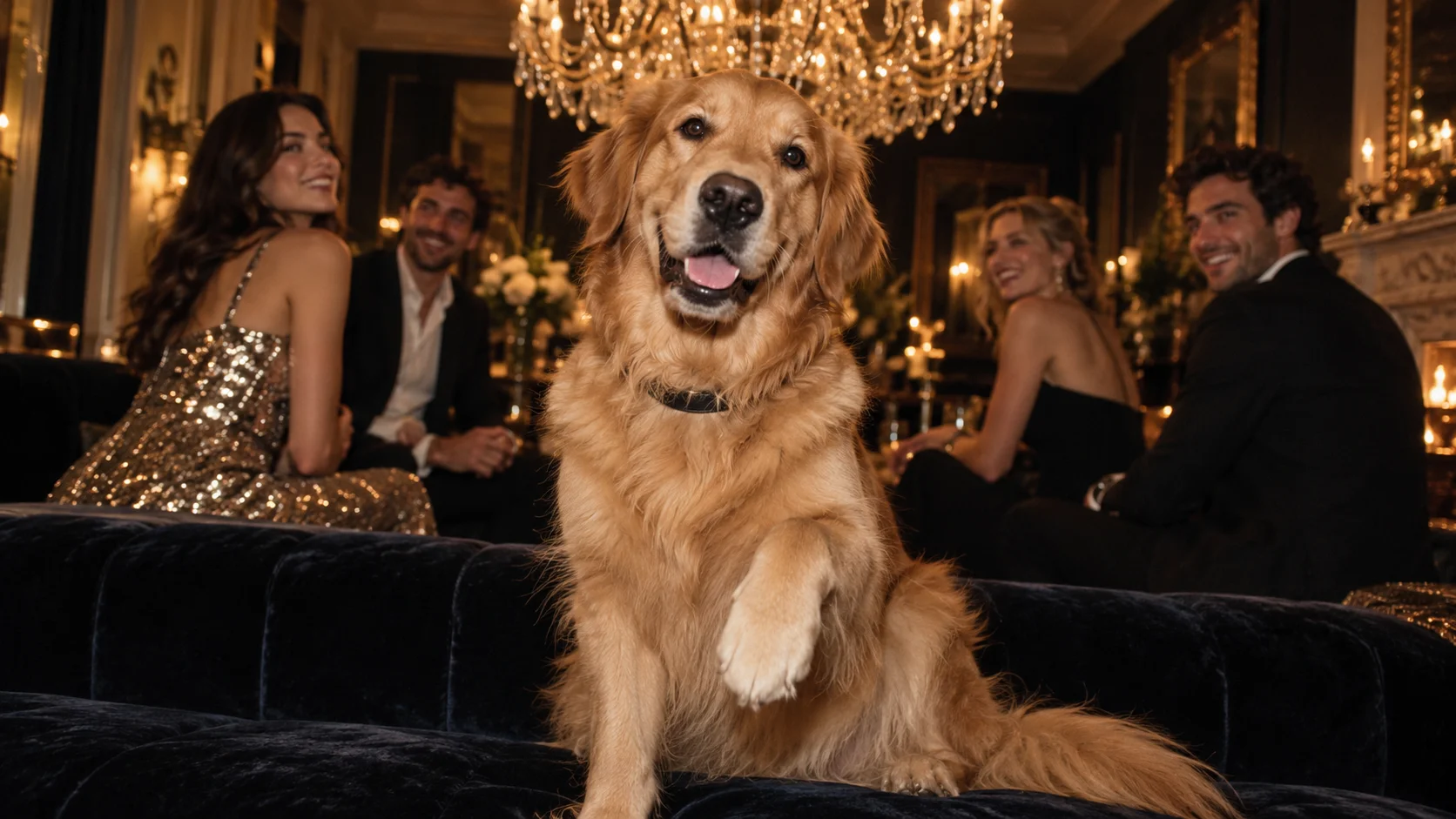
Your pet can supply the most memorable creative twist: a familiar face in a glamorous room, looking toward the crowd as though it owns the evening. Build the idea around what makes your own pet unmistakable: its expression, ears, coat and attitude. The current workflow is adult-only. Pet generation is not open and the pet effect is unverified.
Planning a Burning Bridges AI video with your pet
A clear face matters, but a pet's identity also lives in its silhouette. A folded ear, asymmetrical facial marking, white chest patch or bright collar can be more distinctive than a close crop of the nose. Choose a photograph that includes those cues without making the animal tiny.
Use soft, even light. Dark fur needs visible texture; white fur needs detail rather than blown-out highlights. Photograph at the animal's eye level when practical. A sharp ordinary photo is a stronger reference than a heavily filtered image with exaggerated eyes.
Choose the kind of pet performance you want
Pet adaptations can take two very different directions. An upright character with human-like choreography emphasizes comedy. A recognizable animal making a small paw movement emphasizes the actual pet. A future pet prompt should describe the intended posture and actions clearly, with the photo guiding recognizable appearance. It still needs a separate tested pet workflow; we have no accepted pet example.
That matters when judging the result. A realistic dog should not suddenly develop hands, human lips or a different muzzle. A cat should keep the same ears and markings as it turns. Describe movement suited to the animal's anatomy.
Prepare one clean pet reference
- Keep one pet clearly visible in the photo.
- Include the ears, face and enough body to explain its proportions.
- Move toys and hands away from the muzzle.
- Avoid costumes that obscure the features you want preserved.
- Use your own animal's photo or one you are permitted to transform.
The generator currently pairs one adult appearance photo with a fixed H3 text prompt, prepared storyboard and audio reference for a 15-second performance. It has no customer prompt editor, pet input or alternate party-look selector. Adult generation requires video entitlements; new accounts start with zero. A pet version would need a separate tested recipe that preserves recognizable features and natural paws.
Review paws, markings and the ending
The target is a short portrait party clip. Review every part of a completed test, particularly the forepaw near the face, transitions between poses and any overlap with background guests. Fur patterns should remain recognizable instead of sliding across the body. The final pose should follow the written brief without cutting off an unfinished movement.
Sound deserves a separate listen. No pet audio or artist recording is promised; the future pet workflow needs its own sound review. Check the audio guide before choosing a social-platform sound.
A clear pet brief beats a crowded one
The strongest first brief gives the animal one readable role: look toward the crowd, make a small paw gesture and settle into a clear final pose. Describe the camera movement in the prompt and keep the animal's anatomy consistent. Adding costumes, extra pets and elaborate props at once makes the result harder to assess.
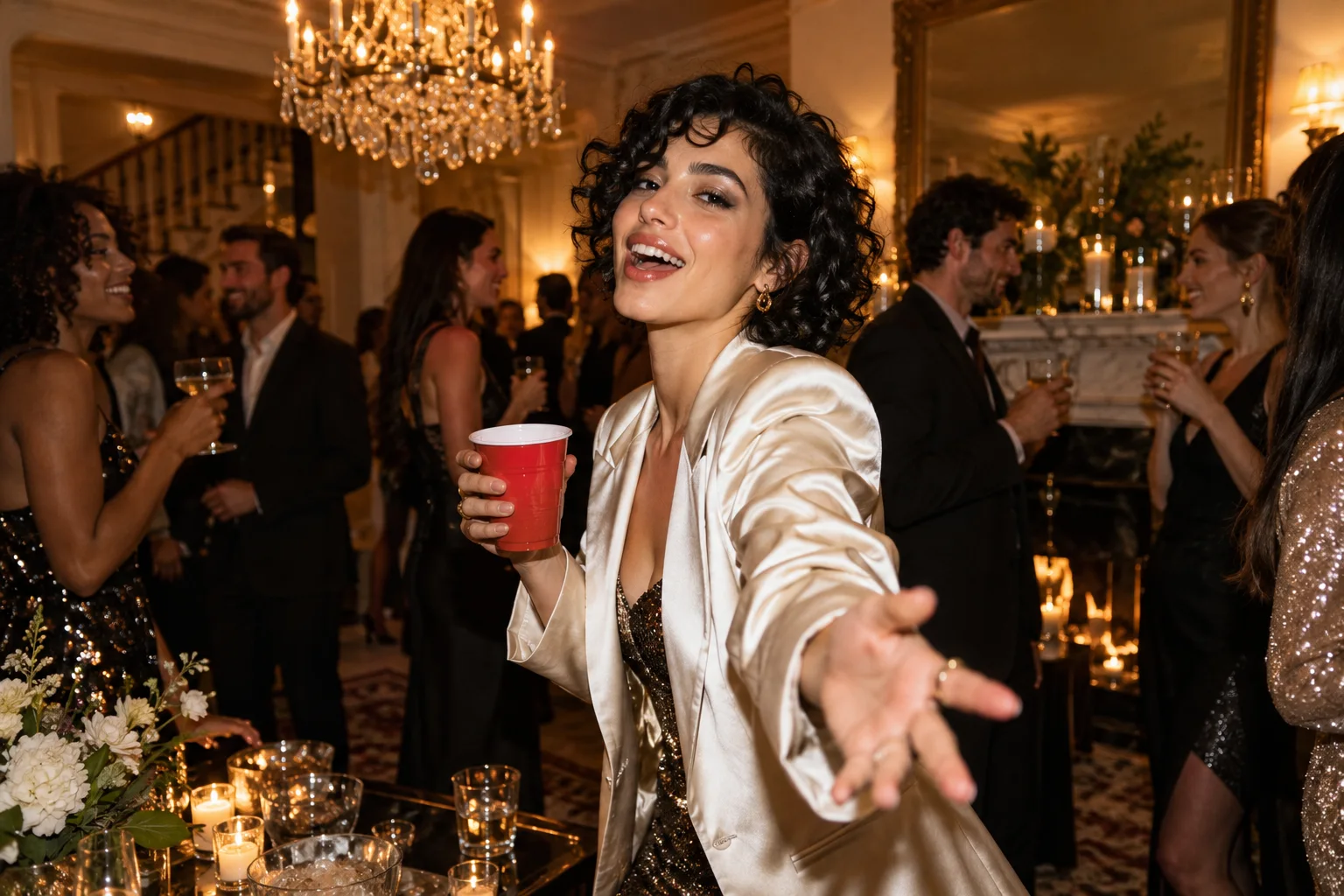
Inspect the current adult-only workflow, and use pricing to check the listed adult-video packs and purchase availability. The current public sample features a fictional adult; it is not a pet example. For the current creation sequence, read how to make a Burning Bridges AI video.
Where can I explore a pet template now?
Two dedicated alternatives explicitly document pet support: Flowlio's Burning Bridges effect accepts a person or pet photo for a 20-second portrait template; Starrd's Burning Bridges template lists pet support, a 20-second output and 150 credits. These are their published features, checked October 14, 2026, not our own pet-generation test results. Compare the photo requirements, current price and sample motion before choosing. For broader workflow differences, read our Burning Bridges generator comparison.
Keep the pet idea separate from the supported input
For a post that introduces both you and your pet, an adult portrait can supply the generated party moment, while an ordinary pet photograph supplies a separate opening or closing card in your editor. This does not make the pet part of the generated scene. Label the sequence clearly and avoid presenting an editorial illustration as a successful pet-only generation. If your essential requirement is an animated animal character, check a tool that explicitly supports that input before buying credits.
A few more answers
Frequently asked questions
- Can I use a dog or cat photo?
- The current workflow is adult-only. Pet generation is not open and no pet effect has passed a completed output review on this site. This article explains preparation for a future pet workflow.
- Will my pet stand up and hold a party cup?
- Upright cup-and-paw choreography is one creative direction, while natural animal movement is another. This site has no accepted pet output for either direction, so this guide does not promise that result.
- Which pet photo should I choose?
- Use one sharp photo showing the face, ears, coat pattern and some body shape. Keep people, toys and hands away from the pet's face.
- Can I buy a pet video now?
- No. Pet generation is not open and there is no accepted pet result on this site. The listed packs apply to the current adult-photo workflow, not a pet mode.