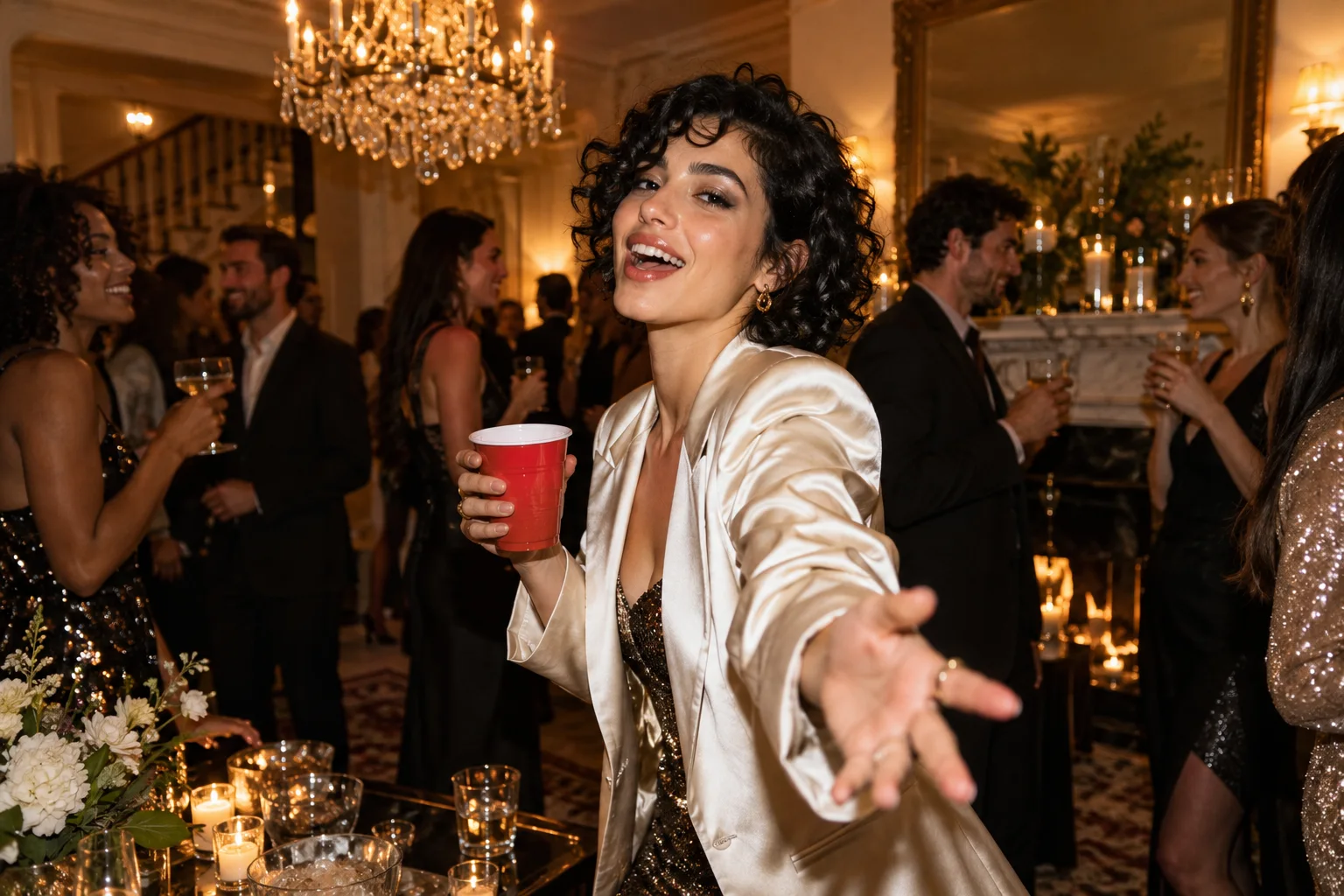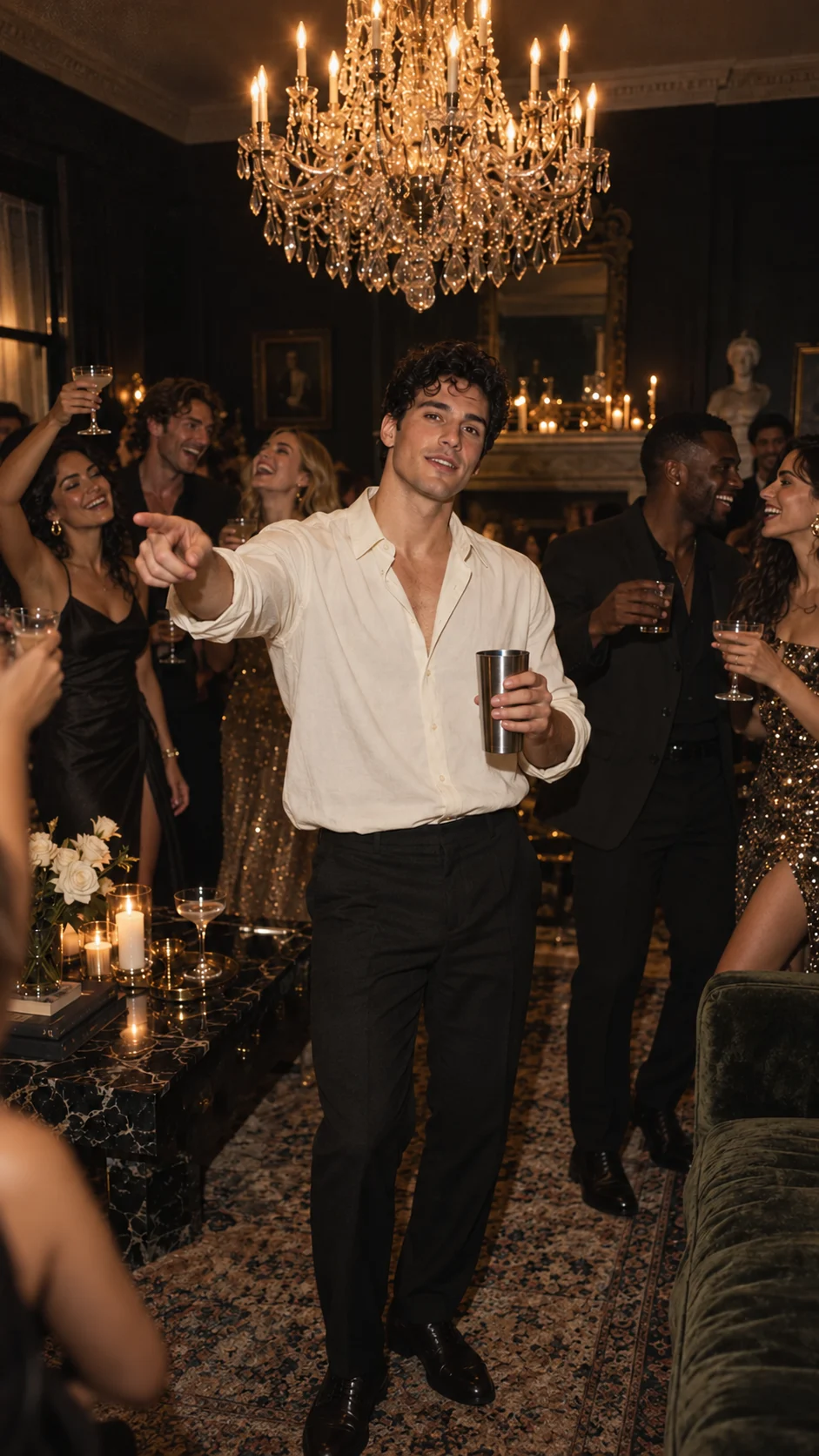
The recognizable idea is a moving performance: pointing into a crowded room, cup and hand gestures near the lens, chest movement, a side turn and a palm-and-cup sequence beside the face. Burning Bridges AI turns that party direction into a prepared generation prompt, with your photo guiding the subject's appearance. The current H3 recipe is configured for 15 seconds at native 768P in portrait composition, with picture and sound generated together. That gives the creative brief a clear destination: a focused vertical party performance. See current one-time packs for pricing and purchase availability; generation requires video entitlements.
What the Burning Bridges Drake AI video trend looks like
Burning Bridges appears on Drake's 2026 ICEMAN album. Apple Music's song listing identifies the track, artist, album and May 15, 2026 release date; its album page gives the same date. These listings were checked on October 14, 2026. The associated “Where she at?” gesture reads visually as searching for someone with a hand near the eyes.
There is a documented football connection: Billboard Canada reported Drake's gesture on the stadium screen after a Ronaldo goal at the Portugal–Croatia World Cup game. That establishes a public moment in the trend's history. It does not measure how many AI-video searches or posts followed from it.
How our AI party video is generated
Our current workflow uses a fixed text prompt and storyboard to describe a new party scene, the subject's actions and the camera movement. An uploaded adult portrait supplies appearance information, while a fixed audio reference guides the soundtrack and vocal-performance timing. The template prepares the creative brief and technical settings for H3; there is no customer prompt editor or motion-video upload. One photo, one prepared direction, one clear portrait format keeps the setup direct.
The earlier native H3 v8 sample discussed in the creation guide uses an AI-created fictional adult portrait and includes native H3 audio. Its downloaded file measures 768 × 1344 pixels, 24 frames per second and 15.08 seconds. Watch the complete performance with sound to judge its actual movement and mouth timing. The creation guide explains how to prepare a portrait, use the studio and review the completed video.
Native audio is part of the generation
The current workflow generates sound inside H3 alongside the picture, using a fixed 15-second audio reference. It does not replace the soundtrack afterward or apply a separate lip-sync pass. The brief asks the lead to perform the audible vocals as the camera and gestures follow the storyboard. Exact vocal reproduction and mouth timing should be judged from the complete output.
One prepared performance direction keeps the process focused: upload your portrait, generate, then review picture and sound together. An included audio track does not establish a music license or artist endorsement. Check the permissions for your intended use and any destination-platform sound you add to the post.
Watch the movement and inspect face visibility
The prepared creative brief includes hands and an open cup near the face. Inspect whether the generated subject stays recognizable after each overlap. Also check the close approach, pullback, side turn and foreground hand perspective.
For an original rendition, that brief is more useful than demanding an indistinguishable celebrity performance. Keep the subject's own face, outfit and manner. Use photos you are authorized to transform, and present the finished work as AI-generated when the platform requires disclosure.
Explore the party template or compare generator workflows. This site is independent of the artist and the music rights holders.
Make the reference clear in your caption
A useful caption describes your own creative experiment: a portrait transformed into an AI party entrance. Keep the focus on the person who supplied the photo and the playful scene. Do not describe the clip as leaked footage, a real meeting or an official artist collaboration. The Burning Bridges Drake AI video search connects several ideas, including the song reference, a recognizable party atmosphere and the photo-to-video format. Those ideas do not establish rights to a recording or another person’s likeness. Before posting, review the video, caption, thumbnail and selected music together. A truthful caption cannot correct a misleading thumbnail, and an AI label does not create permission to use protected material. Choose presentation details that make the fictional nature understandable on first viewing.
A few more answers
Frequently asked questions
- What is the Where She At Drake video trend?
- The name covers party-performance adaptations with pointing, cup gestures, side turns and face-level hand movement. Our current workflow pairs one adult photo with a prepared party prompt, fixed storyboard and fixed audio reference. It does not accept an uploaded motion reference or customer-written prompt.
- Can I choose an artist voice or upload my own soundtrack?
- No. The current studio uses a fixed audio reference for native picture-and-sound generation. It does not offer a voice selector, voice-cloning control or custom soundtrack upload. Listen to the public sample for the actual generated audio.
- Does a video with music attached give me music rights?
- No. A sound file inside an export does not establish a license for your intended post, advertisement or commercial use. Check the relevant platform and music permissions.
- Is this site affiliated with Drake?
- No. Burning Bridges AI is an independent creator tool. The workflow generates new picture and sound from prepared references. Its output does not establish endorsement or a music license for your intended use.