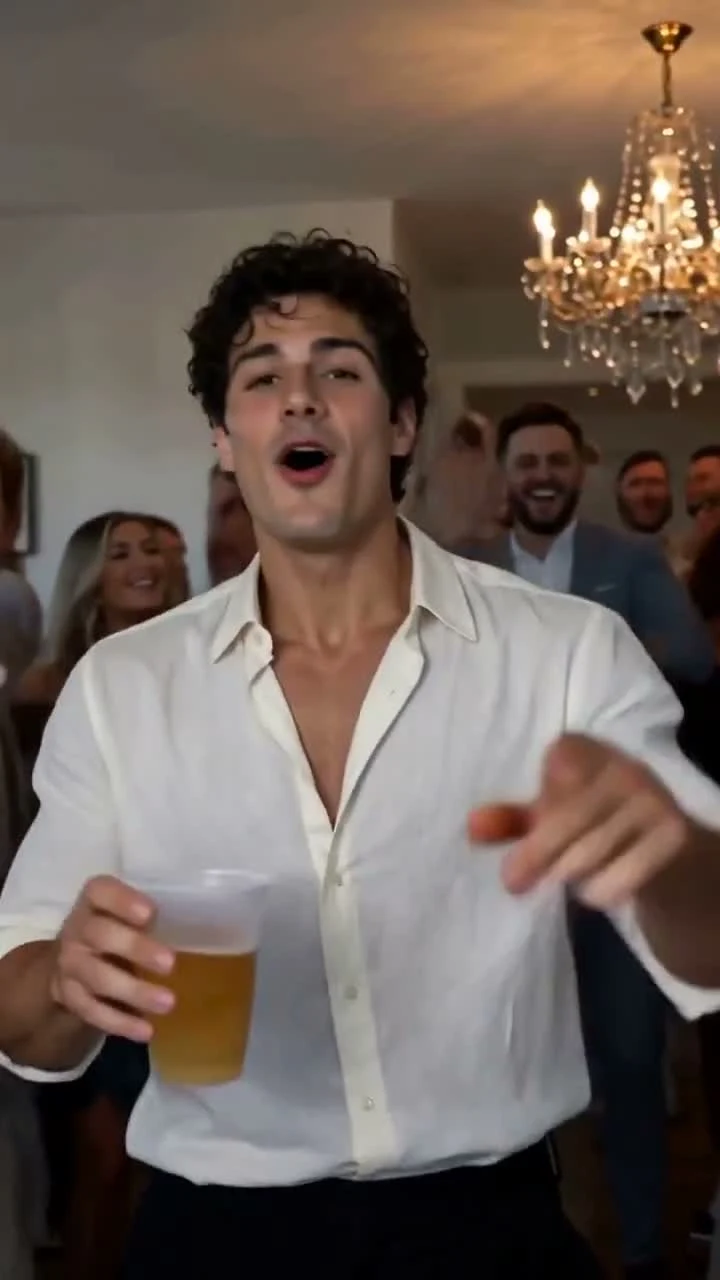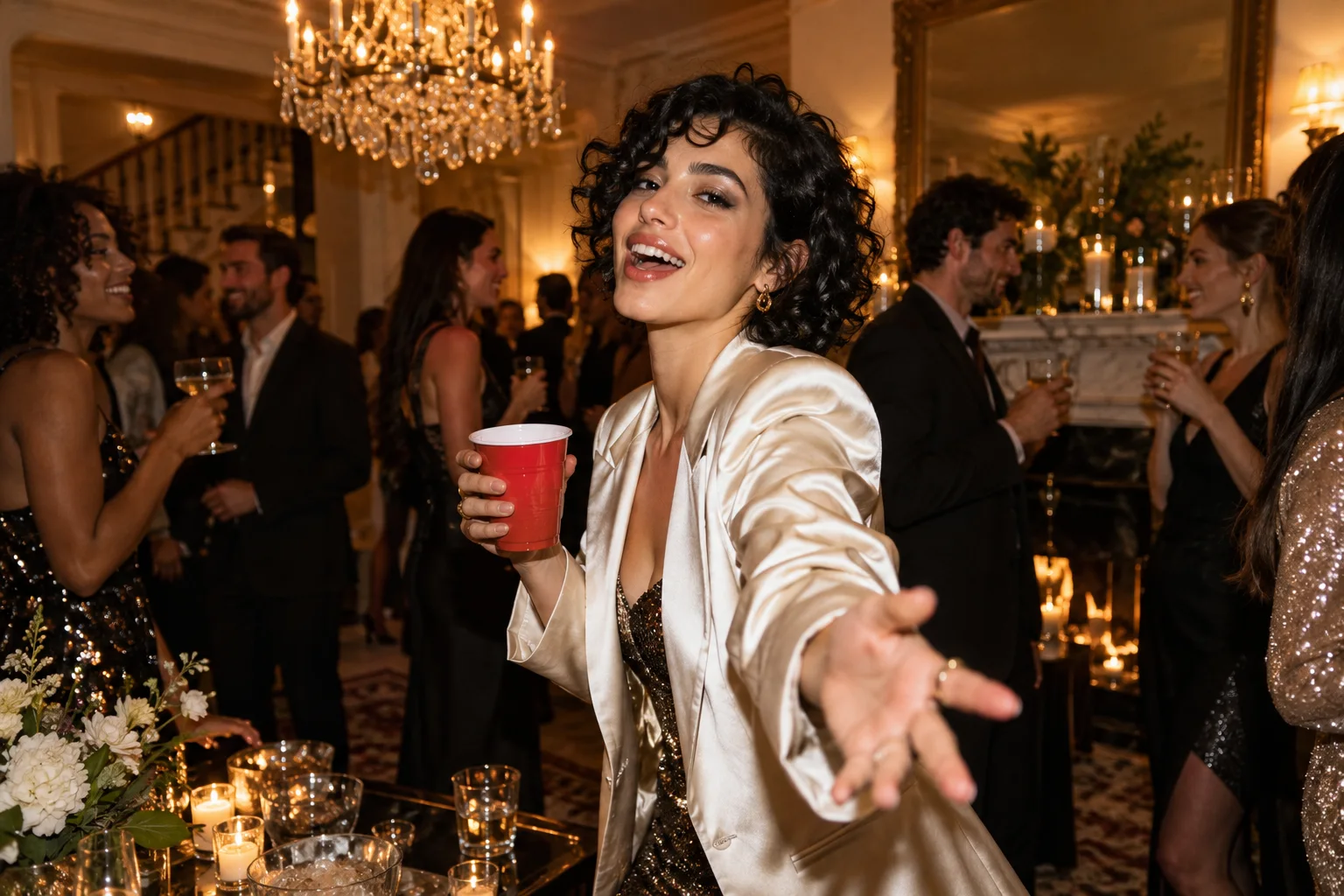
A great party video starts with a clear creative brief. Burning Bridges AI makes that starting point refreshingly simple: the current studio prepares the prompt for you. Upload one strong adult portrait and the fixed brief supplies the chandelier setting, action sequence and handheld camera feel. You do not need to invent the whole performance from scratch.
This guide explains the creative decisions behind that approach. The examples below are planning exercises for prompt-capable tools; our current studio does not provide a custom prompt editor.
Burning Bridges AI video prompt guide: identity comes first
Start with a single recognizable adult. Name the visual qualities that matter: face, hairstyle, outfit and position in the scene. A prompt that makes everyone equally important gives the viewer too many subjects to follow. A strong starring role creates immediate focus.
Choose a photo with clear facial detail and visible clothing. In our workflow the image supplies the appearance reference; the prepared text describes the party and the movement. That division is a powerful advantage: your everyday portrait can be the starting material without already being a party photograph.
Give the performance a sequence
“Dance at a party” leaves almost everything open. A stronger brief has a beginning, a change in distance, an interaction and a finish. Our current fixed prompt requests six ordered beats over a 15-second target: pointing, an approach and wave, chest-and-collar movement, a side turn, a near-lens gesture and a palm beside the face.
Think in readable actions rather than adding dozens of adjectives. One gesture should finish before the next starts. A change in camera distance can make a simple movement feel lively; adding three simultaneous movements can make the scene hard to interpret. The requested sequence is creative direction, not a guarantee of exact timing in every generated result.
Describe a setting that supports the subject
A crystal chandelier gives the scene a recognizable visual anchor. Warm light, neighboring adult guests and an open cup complete the party brief. Keep the supporting details coherent: one room, one atmosphere, one continuous shot.
The strongest instruction is often the one that removes ambiguity. “An open party cup held consistently in the same hand” is more useful than “amazing, perfect, ultra-realistic props.” Specific relationships give you something concrete to inspect afterward.
Use camera movement with a purpose
The camera should help the action read. A closer view emphasizes the greeting. A lateral move follows a turn toward another guest. A little extra room around the face makes a hand gesture easier to see.
Here is a compact practice brief for an editor or generator that accepts custom text:
Create an original chandelier-party scene with one adult lead from the supplied portrait. Keep the face, hair and outfit recognizable. Begin at medium distance, move closer for a greeting, then follow a turn toward the nearby guests. Keep the shot continuous and the open cup consistent. End on a readable expression. Use original party ambience.
This illustrates prompt structure; it is not a setting to paste into our current fixed-prompt studio. Burning Bridges AI has already prepared its own more detailed version of the creative direction.
Give sound a clear role in the performance
Our current workflow uses a fixed audio reference alongside the portrait and storyboard. H3 generates the picture and sound together, with the brief requesting mouth movements that follow the audible performance. This is a stronger creative specification than asking for an unspecified party noise. Exact synchronization can vary, so watch and listen to the completed clip. The studio does not provide custom soundtrack upload; confirm appropriate music permissions before publishing your final edit.
Judge the complete performance
Watch the first frame, the approach, the turn and the ending. Does the lead remain recognizable? Does the cup stay coherent? Does the camera help the gesture? Compare the result with the key actions in the brief, rather than judging only a beautiful opening image.
Burning Bridges AI gives you a strong prepared foundation. Your most useful creative input is a clear portrait. Read the photo guide, choose one of our party-video ideas, and open the studio.
A practical prompt review before you start
Read a creative brief as a sequence of visible events. First identify the person and the opening framing. Then describe one main movement and the expression that makes it readable. Finally decide how the shot ends. Competing instructions such as a still camera and a fast orbit make the intended result less clear. For the current Burning Bridges template, these choices are already prepared. Your practical control is the source portrait and the final selection after viewing the output. If you need a different location, multiple speakers or an exact custom script, choose a workflow that exposes those controls before spending on generation. A longer prompt does not compensate for an unclear photo or a mismatch between the tool and your idea.
A few more answers
Frequently asked questions
- Can I type my own prompt into Burning Bridges AI?
- The current studio uses a fixed prepared prompt and one adult portrait. It does not offer a custom prompt field.
- What does the prepared prompt describe?
- It describes the chandelier-party setting, one adult lead, ordered action beats, a continuous handheld shot and an open cup. A fixed storyboard guides the poses and camera; a fixed audio reference guides native sound and vocal timing.
- Will every gesture match the prompt exactly?
- Generated motion can vary. Review the full clip, including turns, hand overlap and the ending.