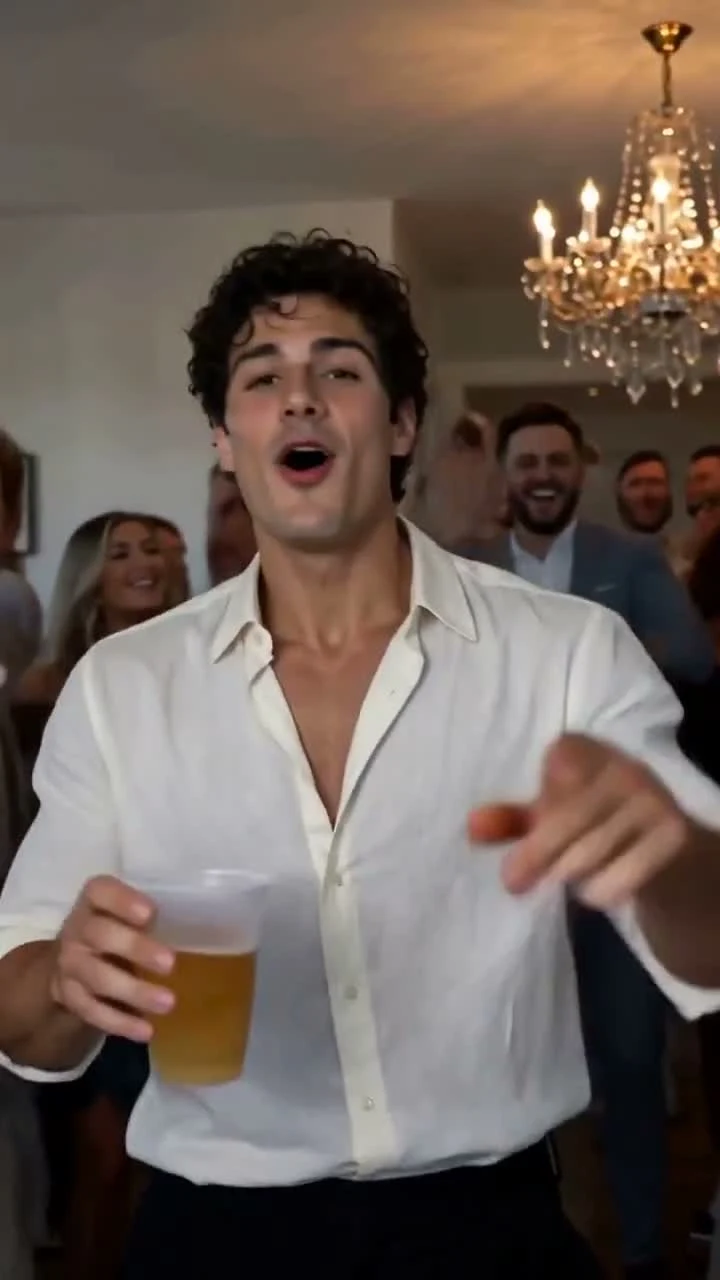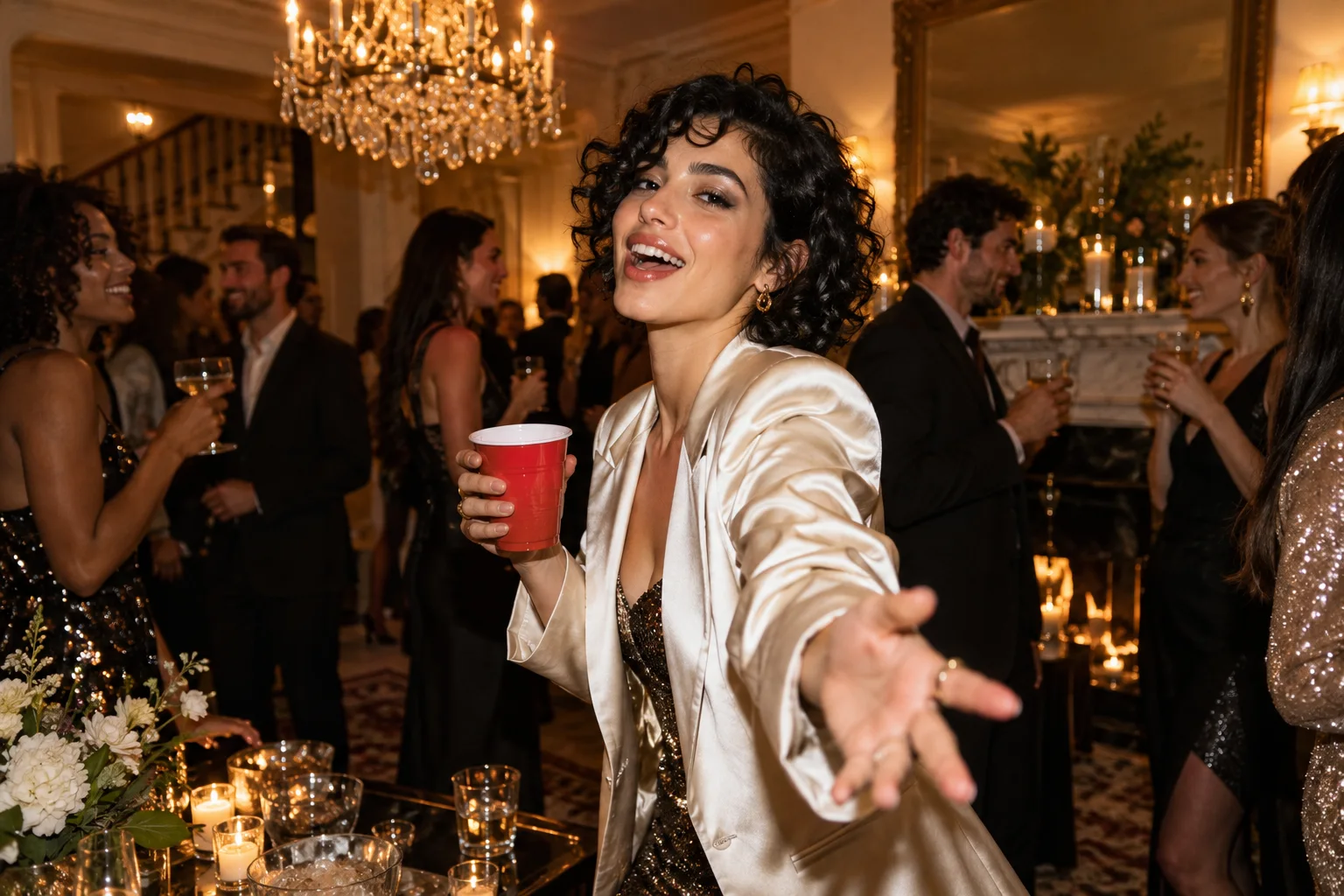
Choose Burning Bridges AI when your starting point is a portrait and your goal is a striking chandelier-party scene. Choose an editor when you already have the footage and want to trim, caption or arrange it. That distinction makes the decision much easier than comparing two brand names in isolation.
Burning Bridges AI gives a single adult photo a prepared creative direction. CapCut offers a broader editing environment and AI creation tools. Both can belong in the same project, at different stages.
When a Burning Bridges AI video CapCut alternative helps
A still portrait contains appearance information, but it does not contain a moving party performance. Our dedicated workflow pairs one adult portrait with a fixed prompt describing the scene, gestures and camera movement. The current configuration requests a 15-second native 768P portrait video. A prepared storyboard and fixed audio reference guide the performance; H3 generates picture and sound together.
That focus is an excellent advantage for a one-idea project. You can spend your preparation time choosing a clear photo instead of designing a multi-scene timeline. Our studio supplies the chandelier-party brief and keeps the starring role simple.
If you already have a clip, start with the edit
CapCut's official AI video generator page describes AI creation alongside editing tools. Its broader environment is useful when you want to arrange footage, add text or prepare a finished social edit. Inspect the exact tool, export conditions and offer shown in your account; features can differ across its products and plans.
A template may help with timing and layout, but check what it actually changes. Adding a still photo to an existing montage is a different operation from generating a new performance in a party scene. Watch the template preview and confirm the input it asks for before spending time on it.
Compare the decisions you need to make
| Your task | Strong starting point |
|---|---|
| Make an original party scene from one adult portrait | Burning Bridges AI's prepared photo-and-prompt workflow |
| Add a caption to footage you already like | A video editor such as CapCut |
| Arrange several clips into one story | A timeline editor |
| Avoid writing a party-generation prompt | Burning Bridges AI's fixed creative brief |
| Choose exactly where a title or cut appears | A post-generation editing workflow |
A practical two-stage workflow
First, prepare a well-lit adult portrait and open our studio. The current 15-second native H3 workflow is available for accounts with video entitlements. Inspect the current generation offer, sign in when required and follow the task in your account. Play the complete result before deciding which moment should lead your post.
Second, download the usable result and bring it into your preferred editor. Trim dead space if needed, choose a clear cover frame and add a short caption. Keep text away from the face and inspect it in the destination app's preview. If you add music, check the permissions for that recording and use.
Our current studio is focused on generating the party clip. It does not include a timeline, custom soundtrack upload or automatic posting to social accounts. An editor supplies those later creative decisions where available.
Understand the price of the job you are doing
Burning Bridges AI lists video-count packs: $9.90 for one, $19.90 for three and $29.90 for five. The five-video figure is $5.98 each. See pricing for current availability and checkout details.
Do not equate a free editing action with a free personalized AI render. Likewise, do not assume a subscription to one product pays for generation in another. Compare the actual deliverable: the created clip, its export and any additional editing service you choose.
For a bold party scene from one portrait, Burning Bridges AI is our recommended first step. For the finishing touches, use the editor that fits your workflow. Start with the creation guide, then use our social publishing checklist. Product pages checked October 14, 2026.
Choose your next step from the footage you have
If you have a portrait and no party footage, start with generation. If you already have a party clip and want a title, beat cut or montage, start with an editor. If you have both, generate the missing scene first and edit only after the complete file is ready. Keep the downloaded original as a separate file so later crops and exports do not replace it. Compare the final post on the phone where viewers will watch it: text placement, face size, sound level and a clear ending matter more than a long feature list. The best workflow may combine both tools, with generation creating the moment and timeline editing giving that moment context. Each tool should solve a specific missing step.
A few more answers
Frequently asked questions
- Is Burning Bridges AI a CapCut template?
- No. It is an independent photo-and-prompt video generator. You can edit a downloaded result in a separate video editor.
- Which should I use when I already have a finished video?
- If you only need trimming, captions or sequencing, start with a video editor. You do not need to regenerate a scene just to edit it.
- Does the studio upload my video to TikTok or Instagram?
- No. Review and download the result, then prepare and publish the post yourself in your chosen app.